
Pinterest Image Downloader
Save pin images in original resolution, not the blurry preview.
Files download straight to your device. Please save only pins you own or have permission to use, and credit the creator.
The Pinterest image downloader saves the original file that was uploaded to a pin. When you long-press an image in the app, you often get a smaller, compressed copy. PinsSave fetches the full-size original from Pinterest’s image server instead.
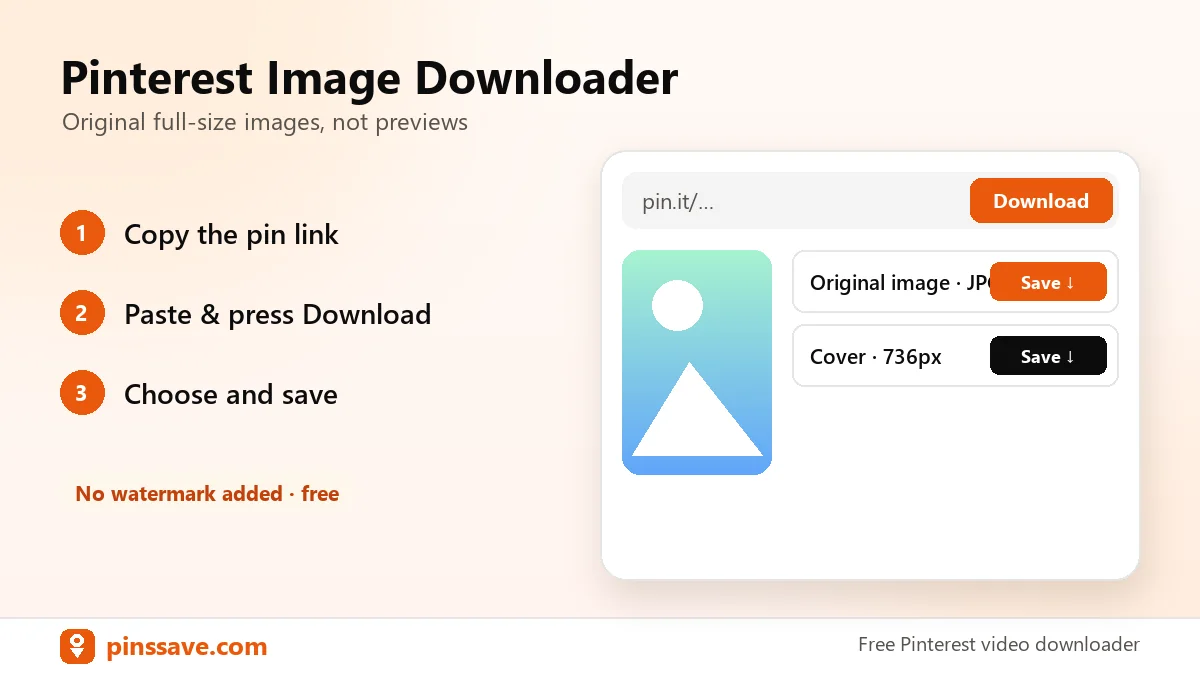
How to download Pinterest images
- Copy the pin link (Share → Copy link).
- Paste it above and press Download.
- Click Original image to save the JPG, PNG or WebP.
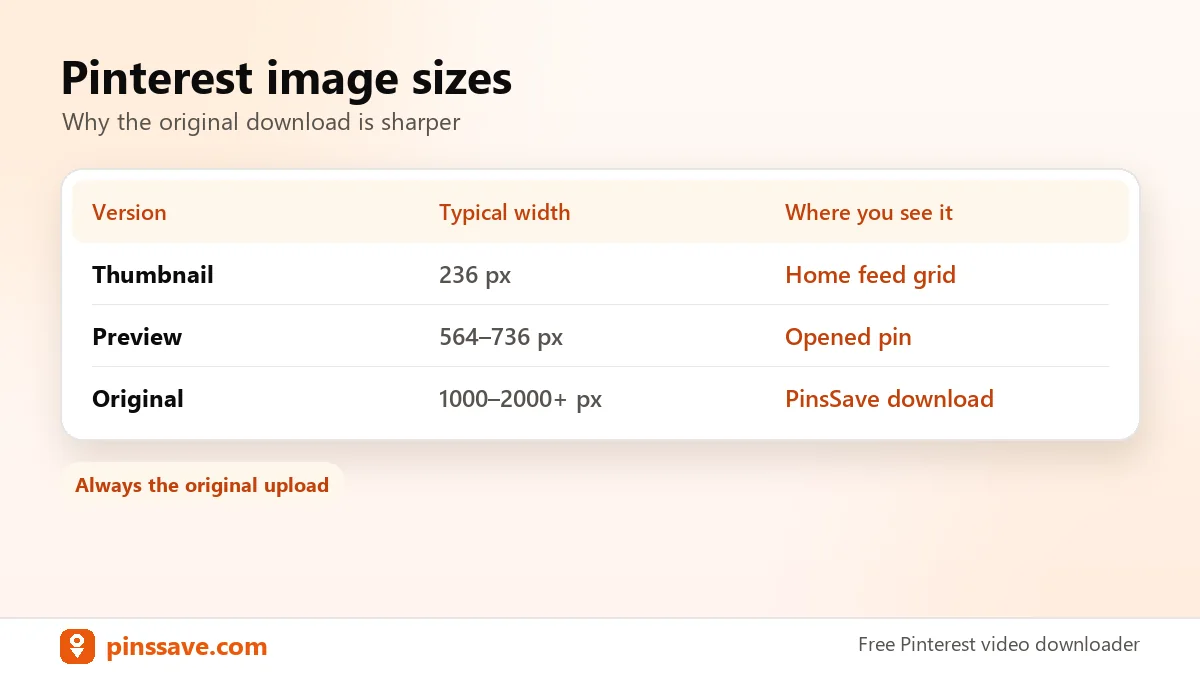
Original vs preview size
| Version | Typical width | Where you see it |
|---|---|---|
| Thumbnail | 236 px | Home feed grid |
| Preview | 564–736 px | Opened pin |
| Original | Full upload size (often 1000–2000+ px) | PinsSave download |
For animated pins, use the Pinterest GIF downloader. To save a video, go back to the Pinterest video downloader.
Respect creators: images on Pinterest belong to their owners. See Pinterest’s copyright policy and the U.S. Copyright Office guide to fair use.
FAQ
Can I download Pinterest images in HD?
Yes. PinsSave downloads the original upload, which is the highest resolution Pinterest has for that pin.
What format will the image be?
The same format the creator uploaded: usually JPG, sometimes PNG or WebP.