How to Download Pinterest Videos on iPhone (No App)
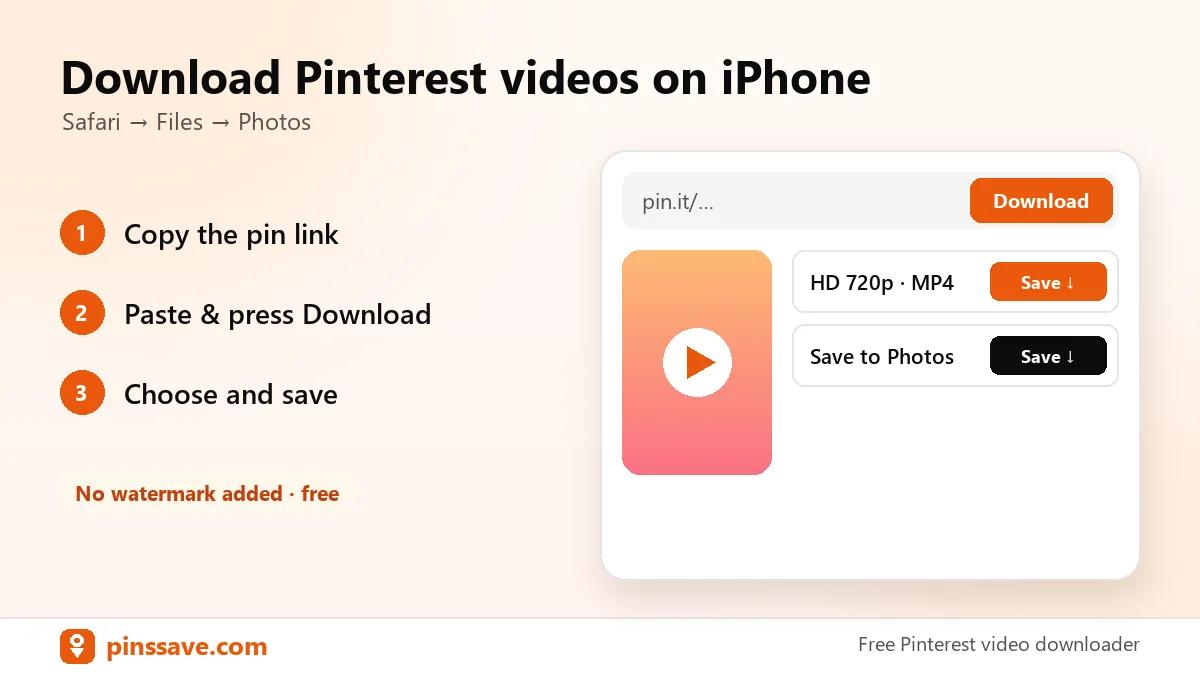
Quick answer: on iPhone, copy the pin link in the Pinterest app, open PinsSave in Safari, paste the link and tap Download. The MP4 saves to Files → Downloads. From there, tap Share → Save Video to add it to Photos.
Step-by-step on iPhone and iPad
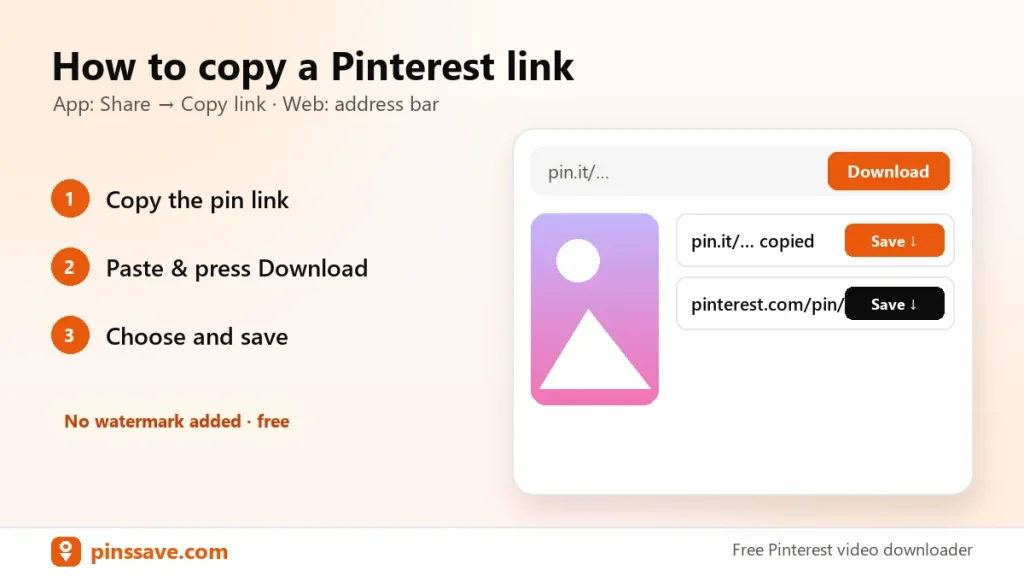
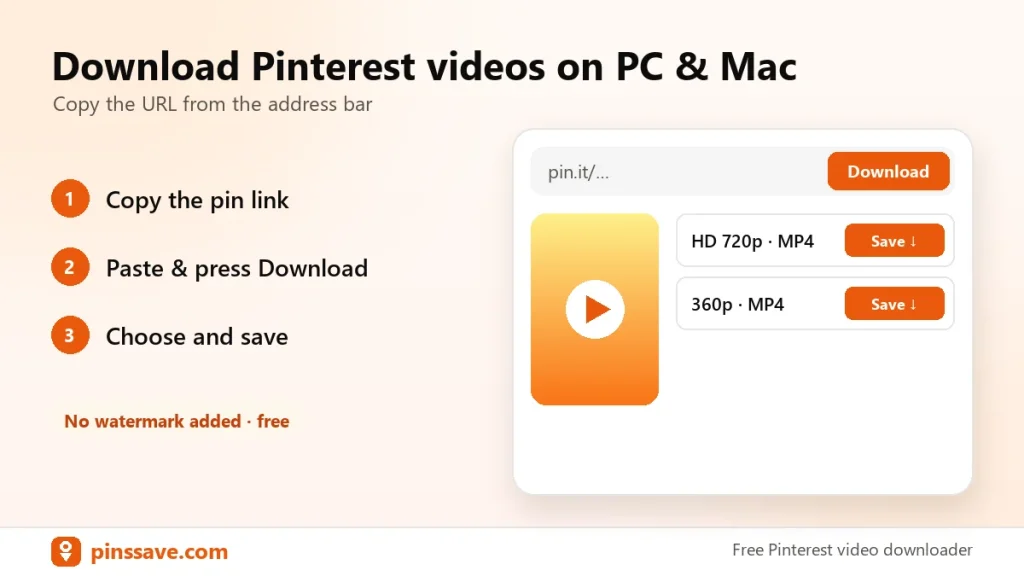
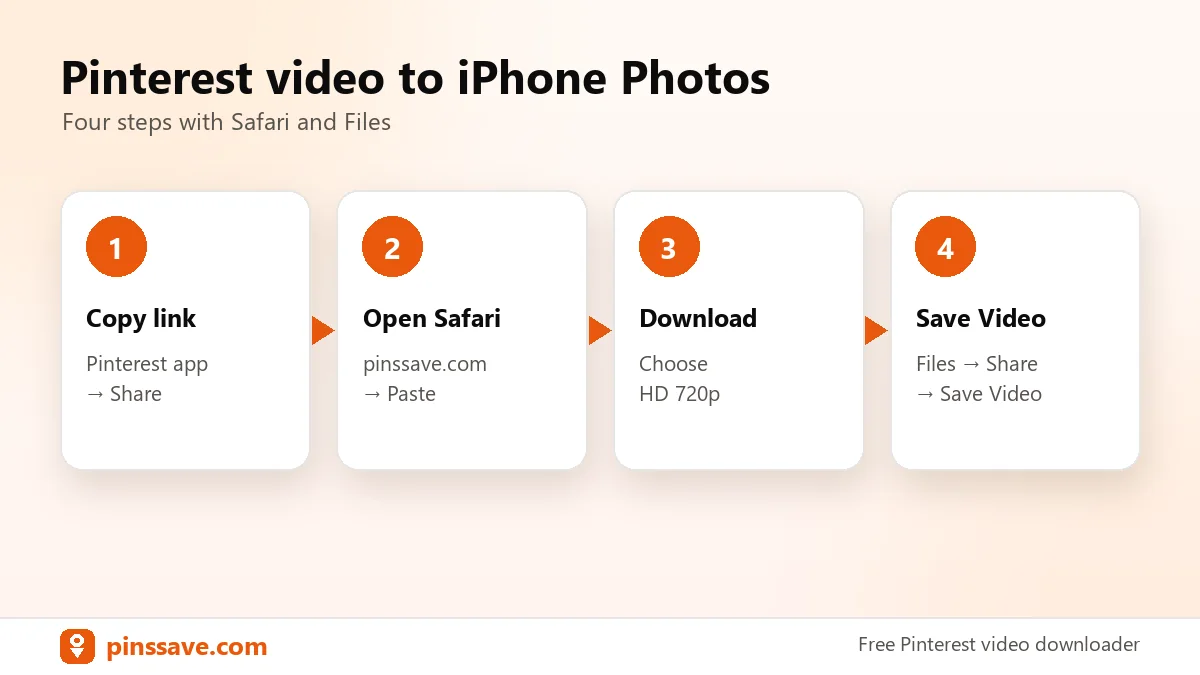
- In the Pinterest app, open the video pin and tap Share → Copy link.
- Open Safari and go to pinssave.com.
- Tap Paste, then Download.
- Choose HD 720p and tap Download in the Safari prompt.
- Open the Files app → Downloads, open the video and tap Share → Save Video.
Can’t find the download?
Tap the downloads arrow in Safari’s address bar to see recent files. Apple’s guide to downloading items on iPhone shows where Safari saves files and how to change the folder.
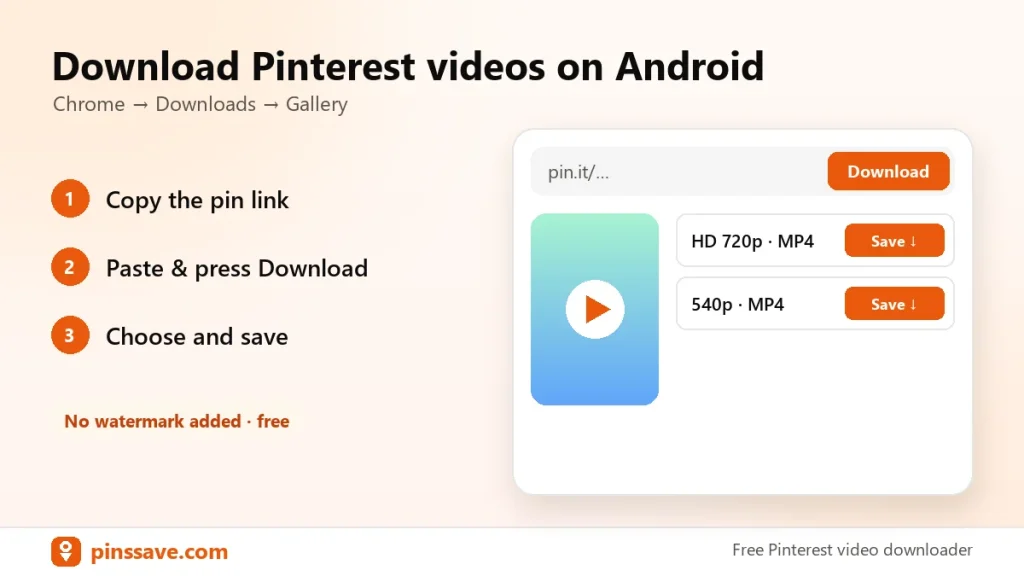
Using Android instead? Read how to download Pinterest videos on Android. For images, use the Pinterest image downloader.