How to Copy a Pinterest Link (pin.it and Full URL)
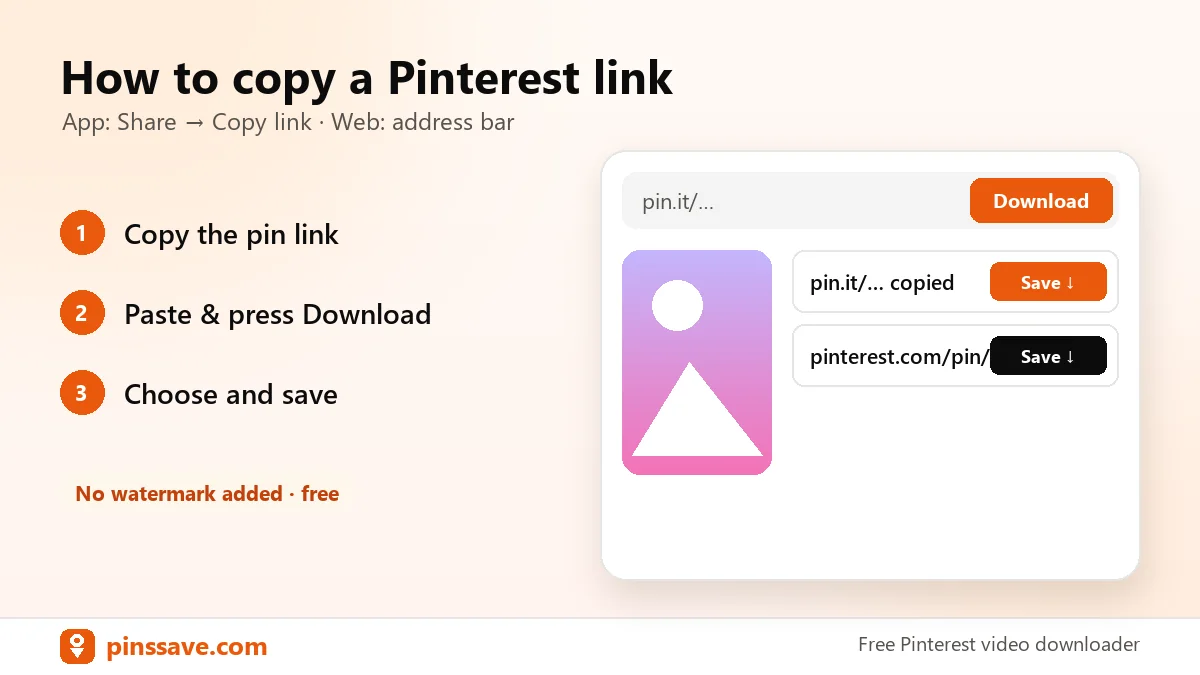
Quick answer: in the Pinterest app, open the pin, tap Share (the arrow or ⋯ icon) and choose Copy link. That gives you a short pin.it/… link. On a computer, open the pin and copy the URL from the address bar (pinterest.com/pin/…). Both work in PinsSave.
In the Pinterest app (iPhone and Android)
- Tap the pin to open it full screen.
- Tap the Share icon (or ⋯ → Share).
- Tap Copy link. You’ll see “Link copied”.
On pinterest.com (desktop)
- Click the pin so it opens on its own page.
- Click the address bar and copy the URL.
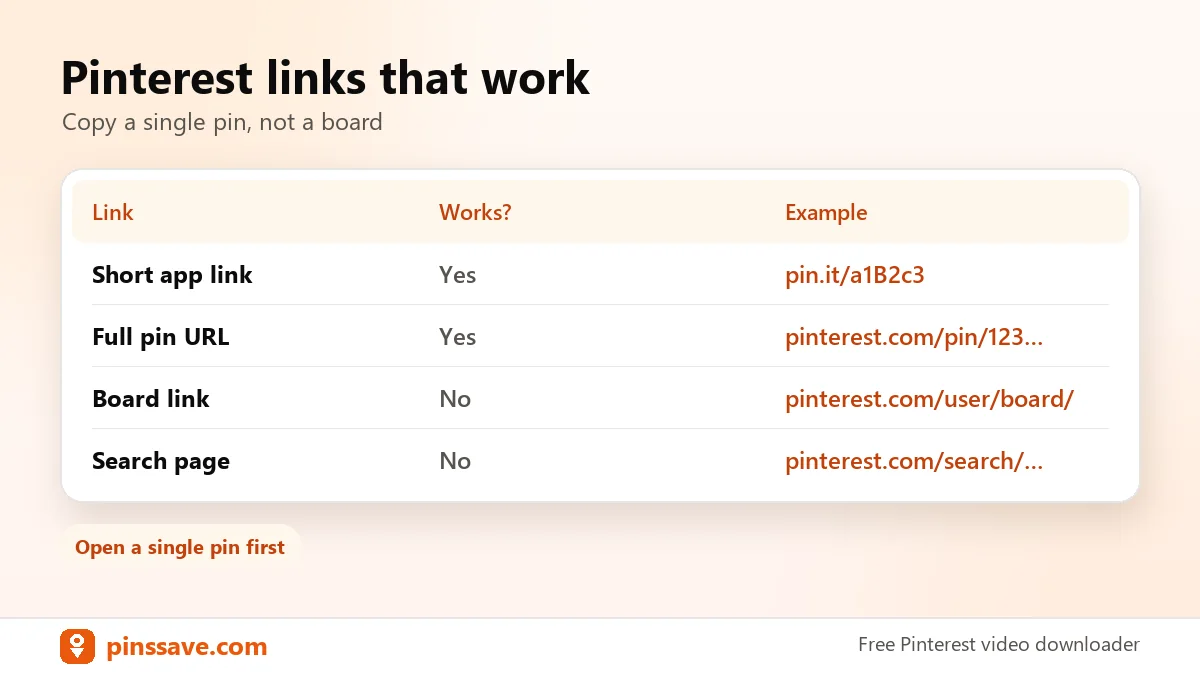
Links that won’t work
- Board or profile links (pinterest.com/username/board-name/). Open a single pin instead.
- Search result pages. Click into one pin first.
Pinterest’s terms apply to all content you save. Next, follow the iPhone or Android guide.