How to Download Pinterest Videos on PC and Mac
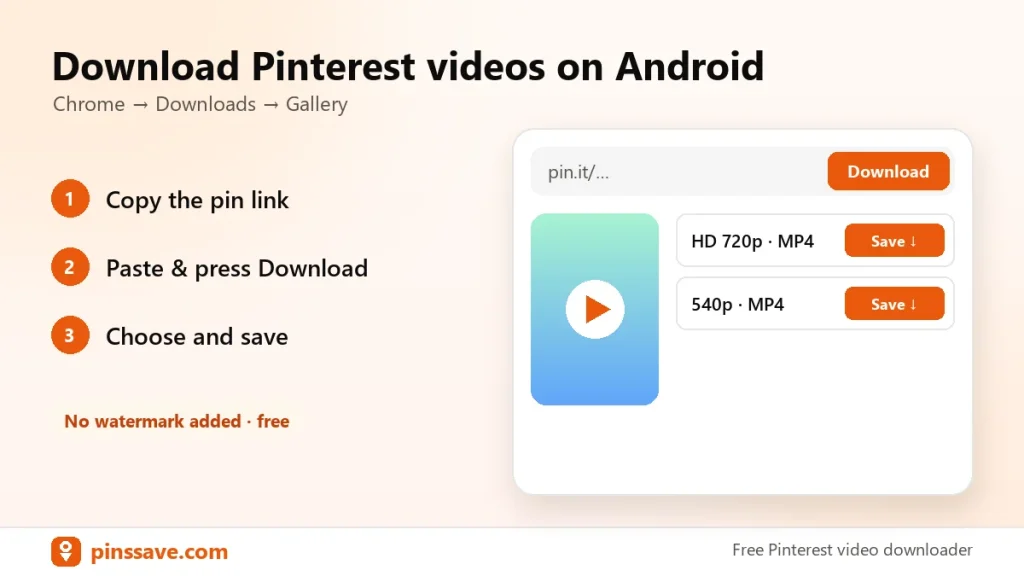
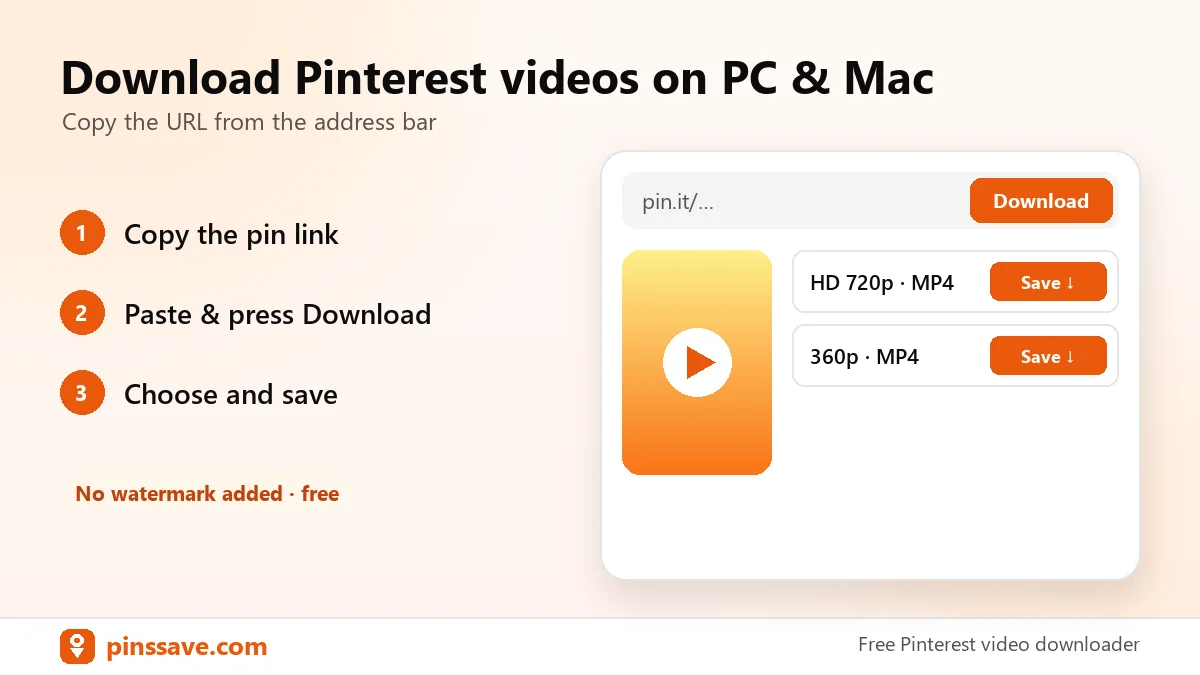
Quick answer: open the pin on pinterest.com, copy the URL from the address bar, paste it into PinsSave and click Download. Then choose HD 720p to save the MP4 to your Downloads folder.
Step-by-step on Windows or Mac
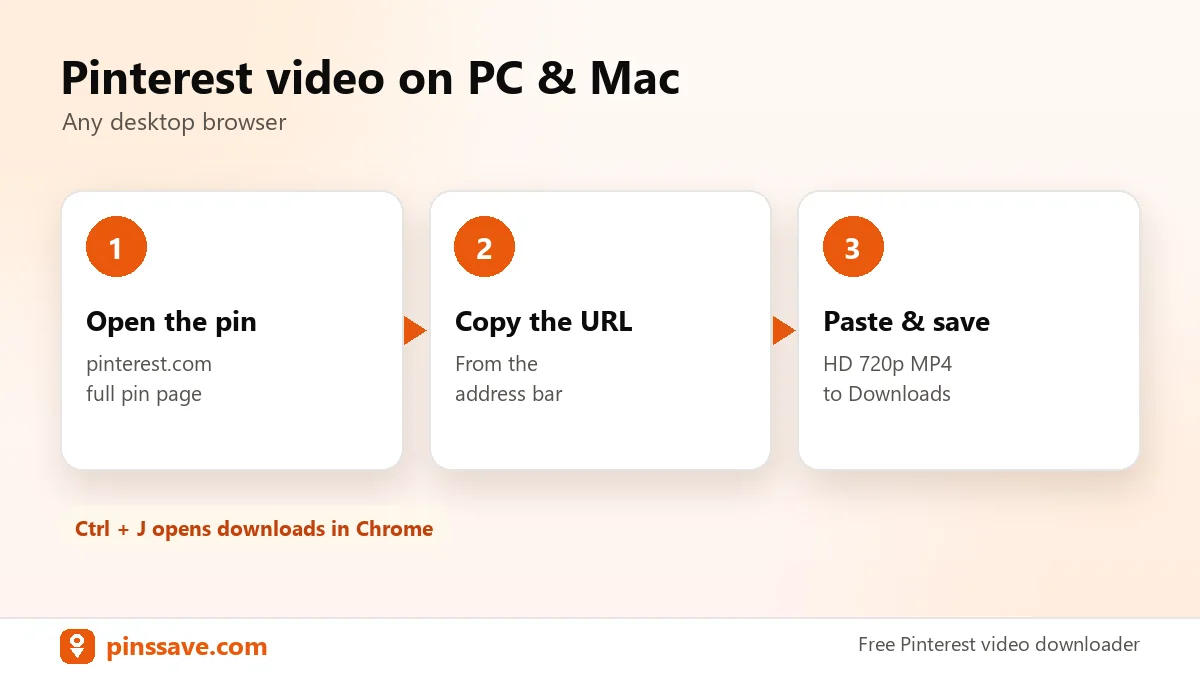
- Go to pinterest.com and click the video pin so it opens on its own page.
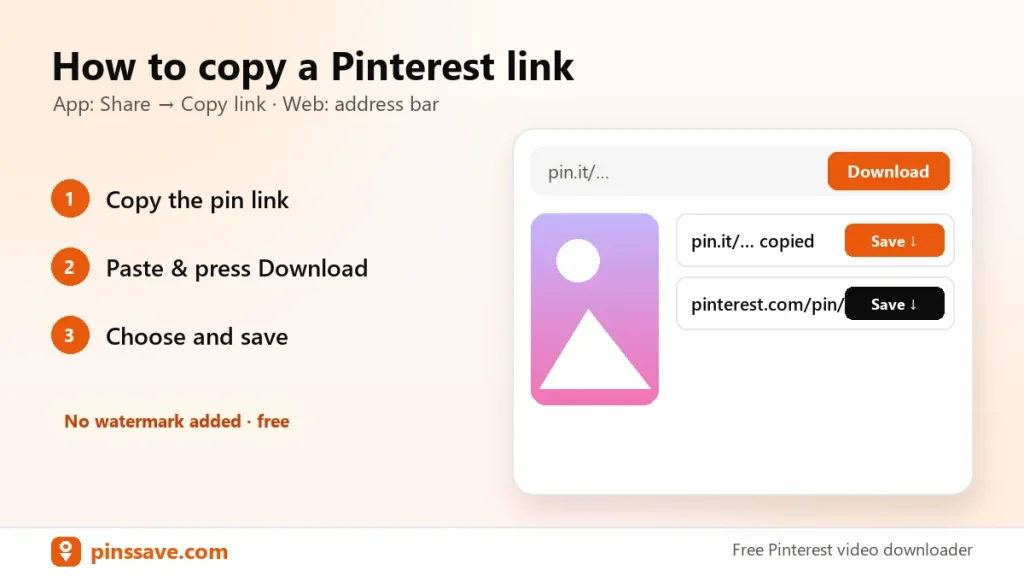
- Copy the address (it looks like
pinterest.com/pin/123…). - Paste it into PinsSave and click Download.
- Click HD 720p. The file saves to Downloads.
Tips
- Press Ctrl+J (Windows) or ⌥+⌘+L (Mac, Chrome) to open your downloads. Google’s help page explains Chrome downloads.
- Want only the picture? Use the image downloader.