How to Download Pinterest Videos on Android
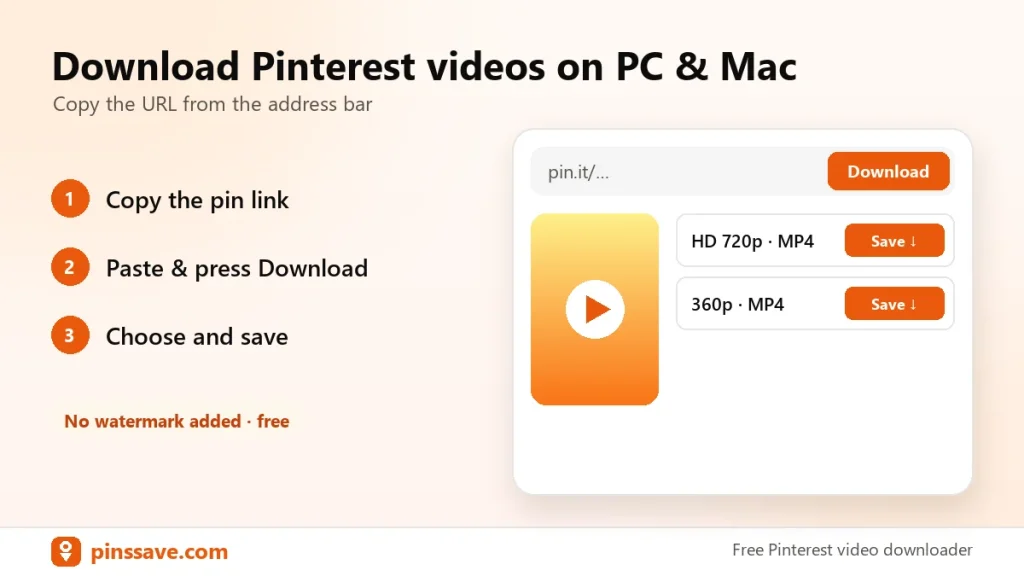
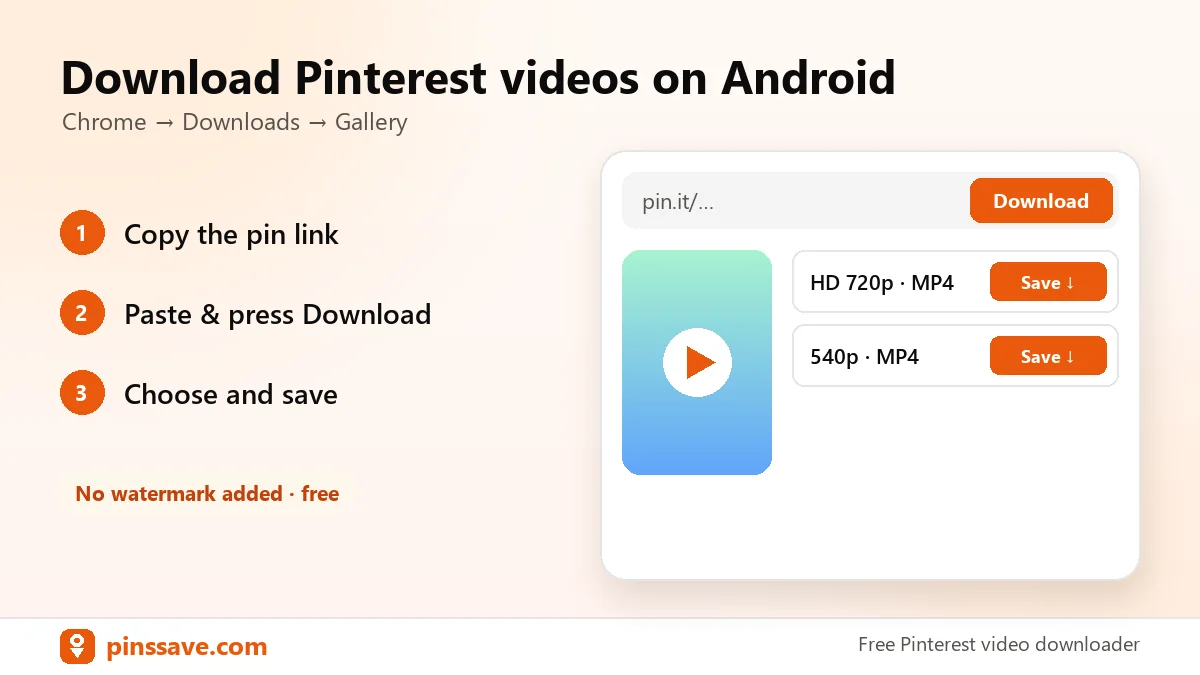
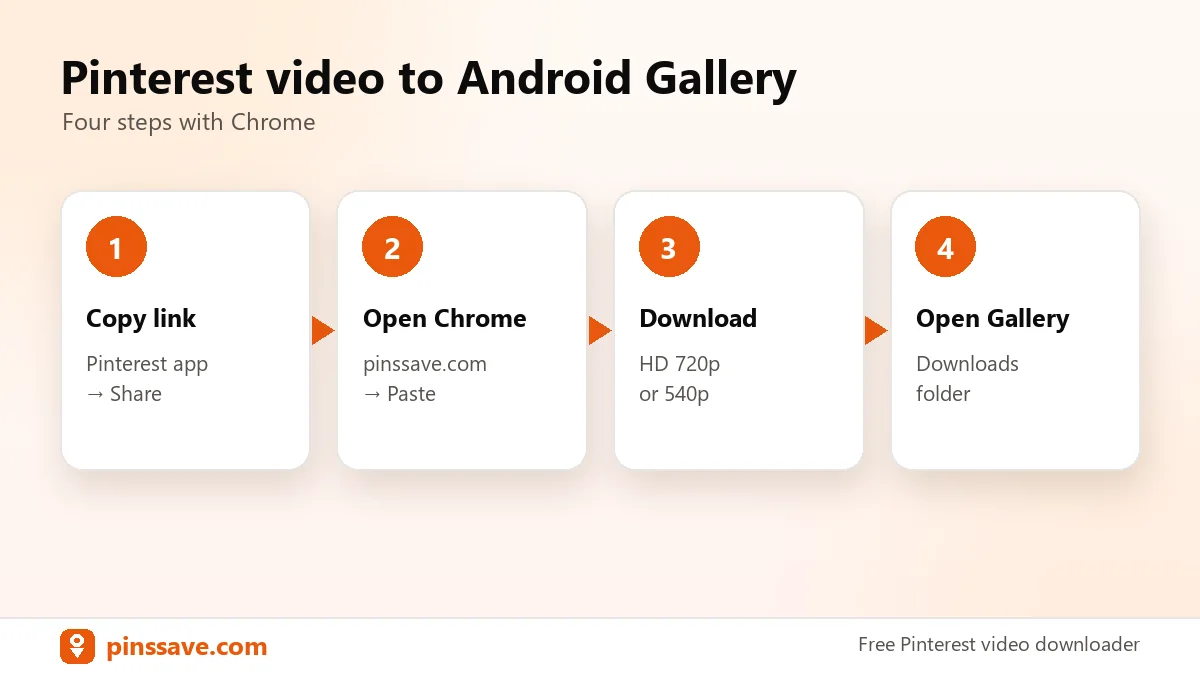
Quick answer: on Android, tap Share → Copy link on the pin, open PinsSave in Chrome, paste the link and tap Download. The MP4 goes to your Downloads folder and appears in your Gallery or Google Photos.
Step-by-step on Android
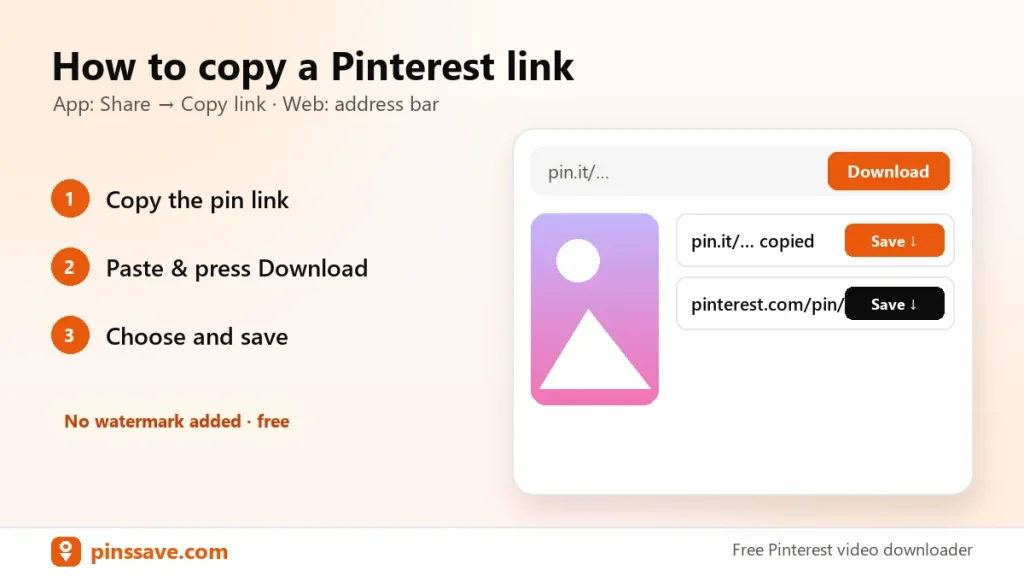
- In the Pinterest app, open the video pin → Share → Copy link.
- Open Chrome and go to pinssave.com.
- Paste the link and tap Download.
- Choose HD 720p or 540p to save space.
Where are the files?
Open the Files app → Downloads, or swipe down and tap the download notification. Google explains how to find and manage downloads in Chrome.
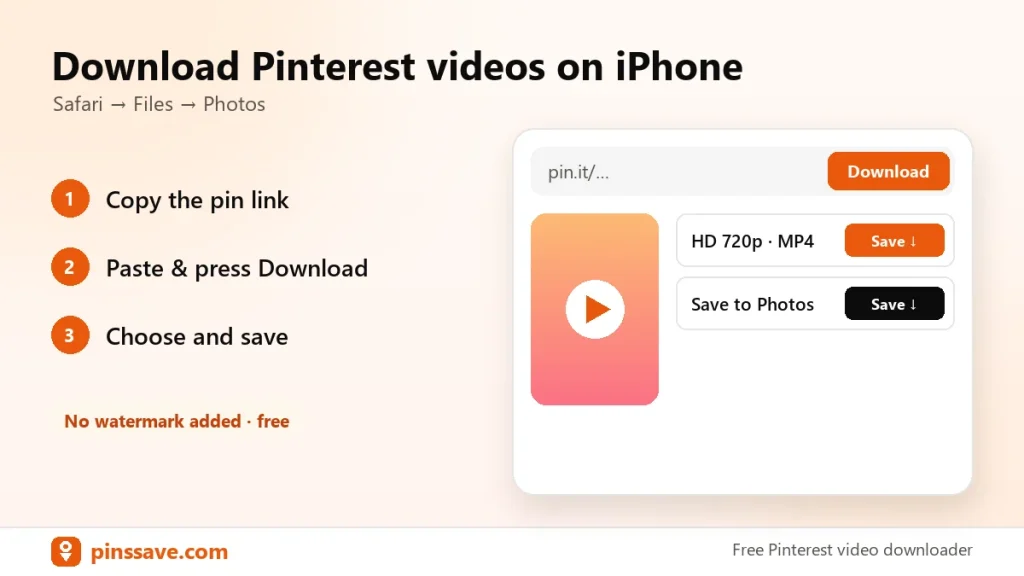
On iPhone? See the iPhone guide. On a computer? See downloading on PC.