
Pinterest GIF Downloader
Keep animated pins animated: save Pinterest GIFs as real GIF files.
Files download straight to your device. Please save only pins you own or have permission to use, and credit the creator.
The Pinterest GIF downloader saves animated pins as real .gif files, so they keep moving when you share them in chats, slides or documents. Screenshots and long-press saves often give you a still frame instead.
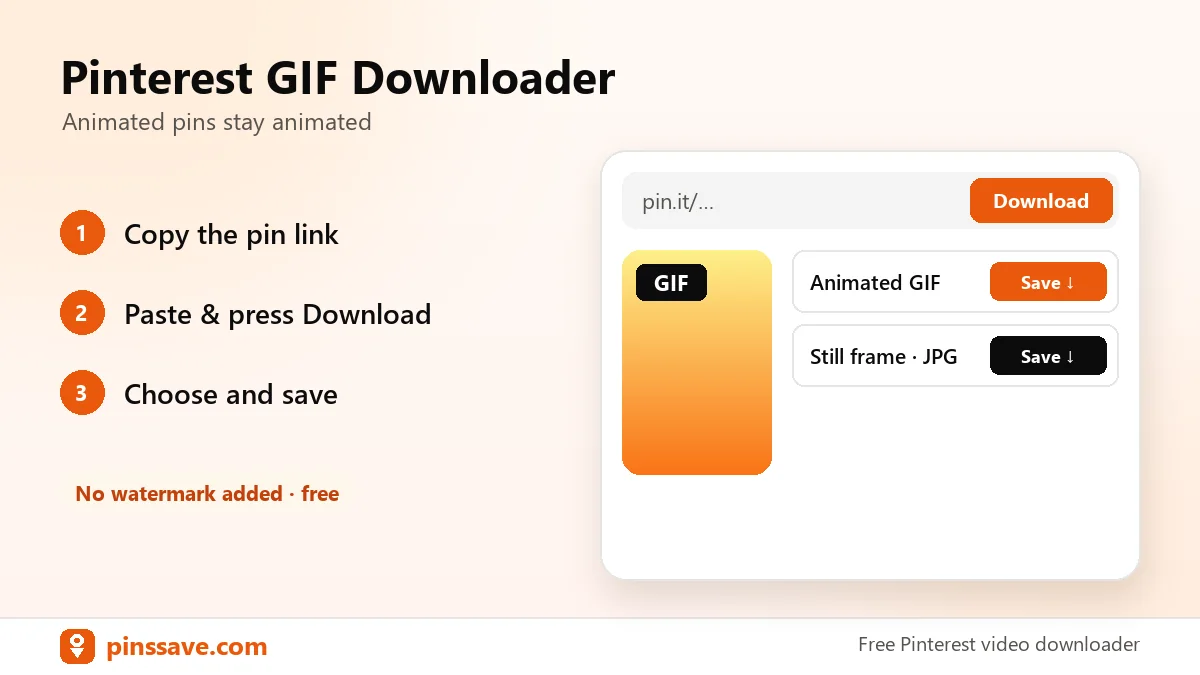
How to download a GIF from Pinterest
- Open the animated pin and copy its link.
- Paste the link above and press Download.
- Click Original image (GIF) to save the animation.
GIF or video?
Many pins that look like GIFs are actually short videos. If PinsSave shows MP4 options, the pin is a video. Download the MP4, which is sharper and much smaller than a GIF. True GIF pins show a “GIF” badge.
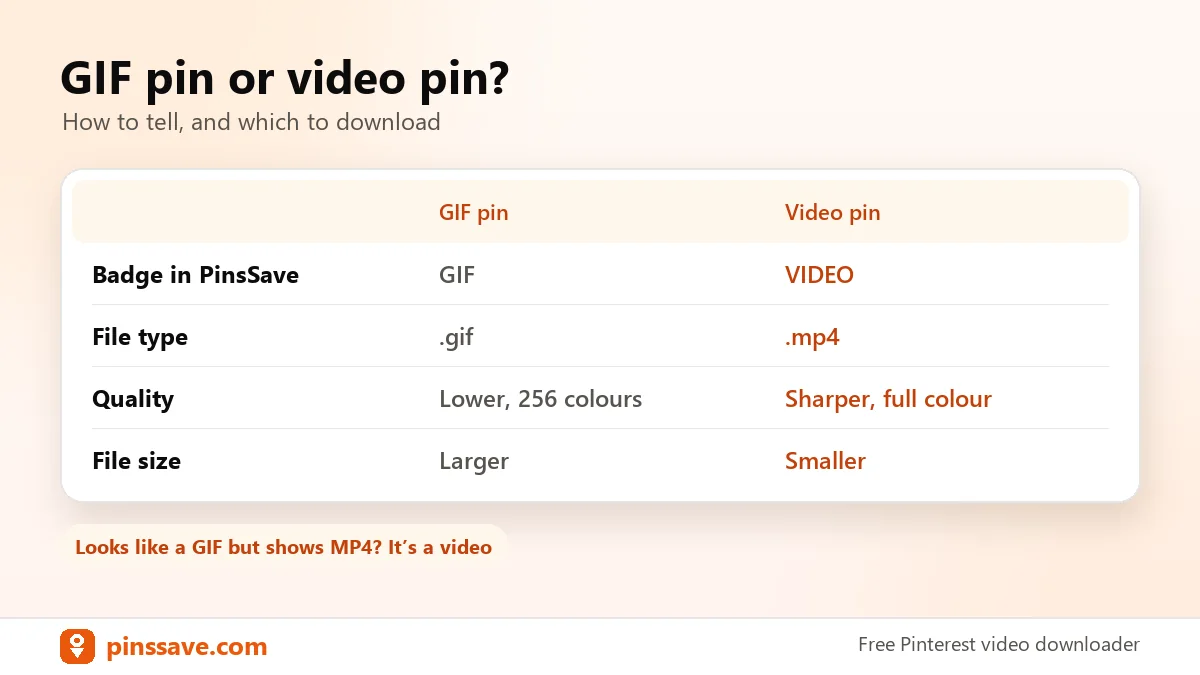
Need the full-size image of a still pin? Use the image downloader. To convert video pins, see Pinterest to MP4.
Reference: Pinterest’s terms of service cover how content on the platform may be used.
FAQ
Why did my GIF download as an MP4?
Because the pin is a video, not a GIF. MP4 gives better quality at a smaller size, and most chat apps play it like a GIF.
Do GIFs work on iPhone?
Yes. Save the GIF to Files, then use Share → Save Image to add it to Photos, where it plays in the Animated album.