
Pinterest to MP4 Converter
Turn any Pinterest video pin into an MP4 file, in up to HD 720p.
Files download straight to your device. Please save only pins you own or have permission to use, and credit the creator.
The Pinterest to MP4 converter saves a video pin as a standard MP4 file. Pinterest streams videos in pieces (HLS), which you can’t save directly. PinsSave finds the complete MP4 versions of the video and lets you download the one you need.
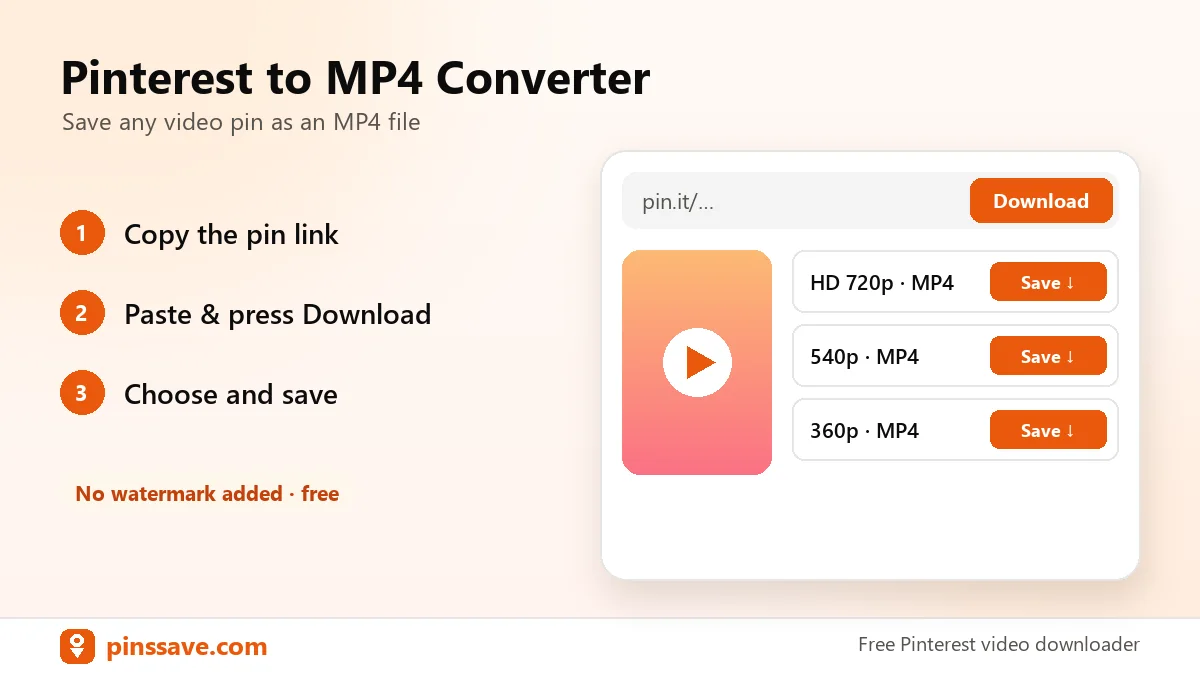
How to convert Pinterest to MP4
- Open the video pin and tap Share → Copy link.
- Paste the link above and press Download.
- Pick HD 720p (best) or a smaller size. The MP4 saves to your device.
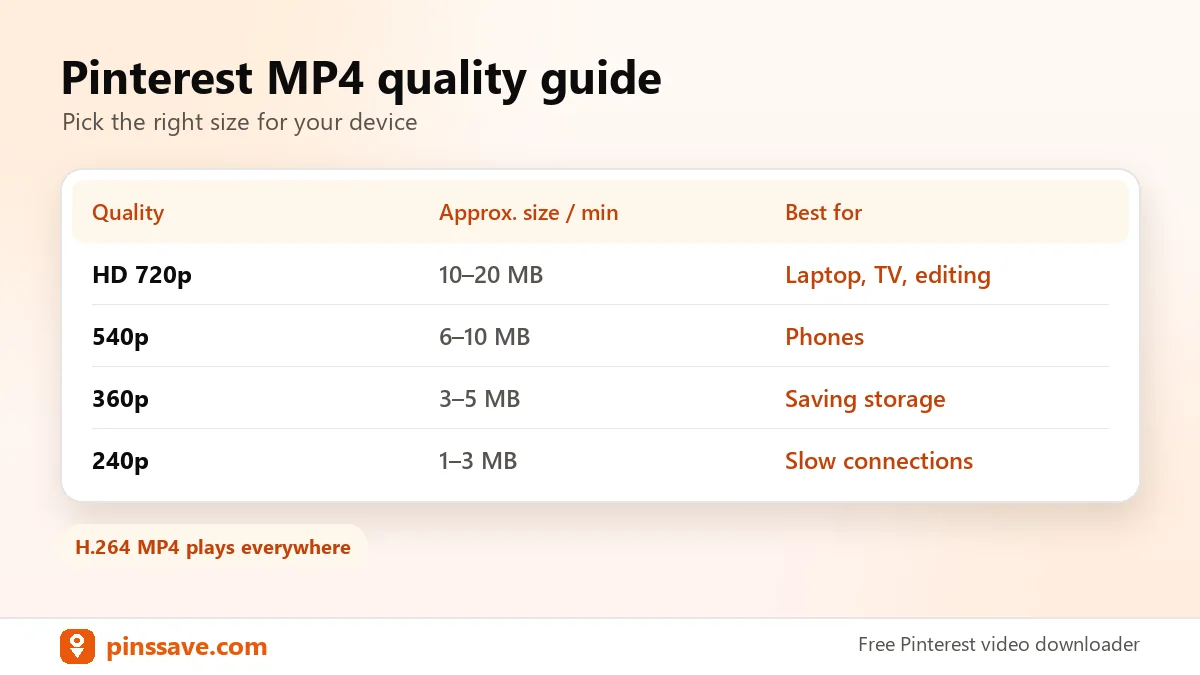
Which quality should you choose?
| Quality | Size per minute (approx.) | Best for |
|---|---|---|
| HD 720p | 10–20 MB | Laptop, TV, editing |
| 540p | 6–10 MB | Phones |
| 360p | 3–5 MB | Saving storage or data |
| 240p | 1–3 MB | Very slow connections |
Want the picture instead of the video? Use the Pinterest image downloader, or read how to download Pinterest videos on PC.
Good to know: Pinterest’s copyright policy explains how creators protect their content, so only download videos you’re allowed to use.
FAQ
Can I convert Pinterest videos to MP4 for free?
Yes. PinsSave is free with no sign-up and no daily limit for normal use.
Why is the maximum quality 720p?
Pinterest stores most videos at up to 720p, so that’s the highest quality any downloader can offer. PinsSave never upscales or re-compresses the file.
Does the MP4 include sound?
Yes. If the original pin has audio, the MP4 includes it.